Personal finance, made clear.
Piggy Accounting helps you record spending in seconds, track bills, and understand your money with AI-powered insights — all in one focused iOS app.
- Native iOS app
- AI money insights
- EN / 中文 bilingual
Clarity in three steps
Record it, review it, understand it — the rest is easy.
Record in seconds
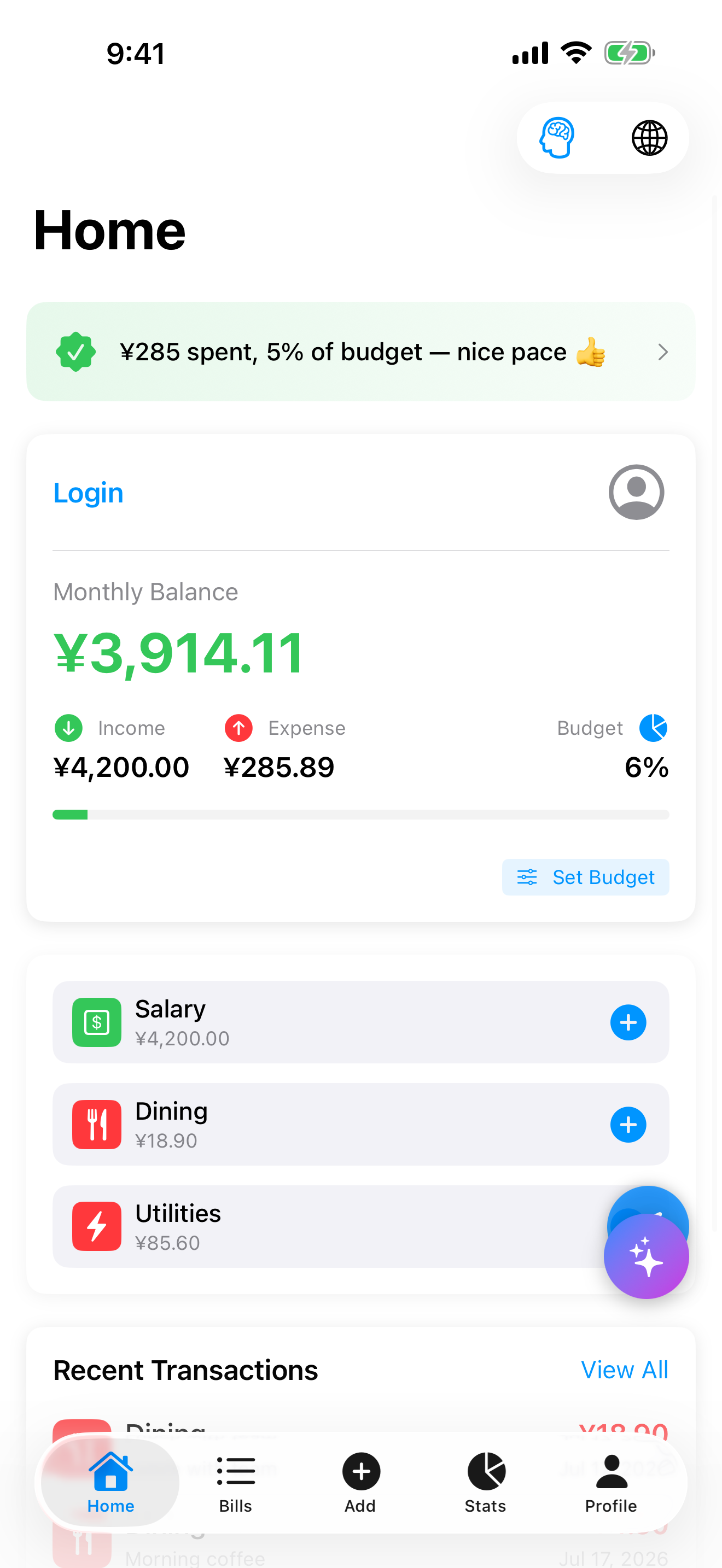
Log any expense or income with a category and note in just a couple of taps.
Track bills & budgets
Keep bills, categories, and your monthly budget in one place so nothing slips through.
Understand with AI
Read clear charts and let AI analysis surface patterns and practical money advice.
Try a quick entry
Tap a few presets — watch the ledger, the budget ring and the AI tip react instantly.
Tap to record
Interactive demo — no data leaves this page.
Recent entries
Everything to stay on top of money
Built around the small, repeated moments of personal finance.
Expense tracking
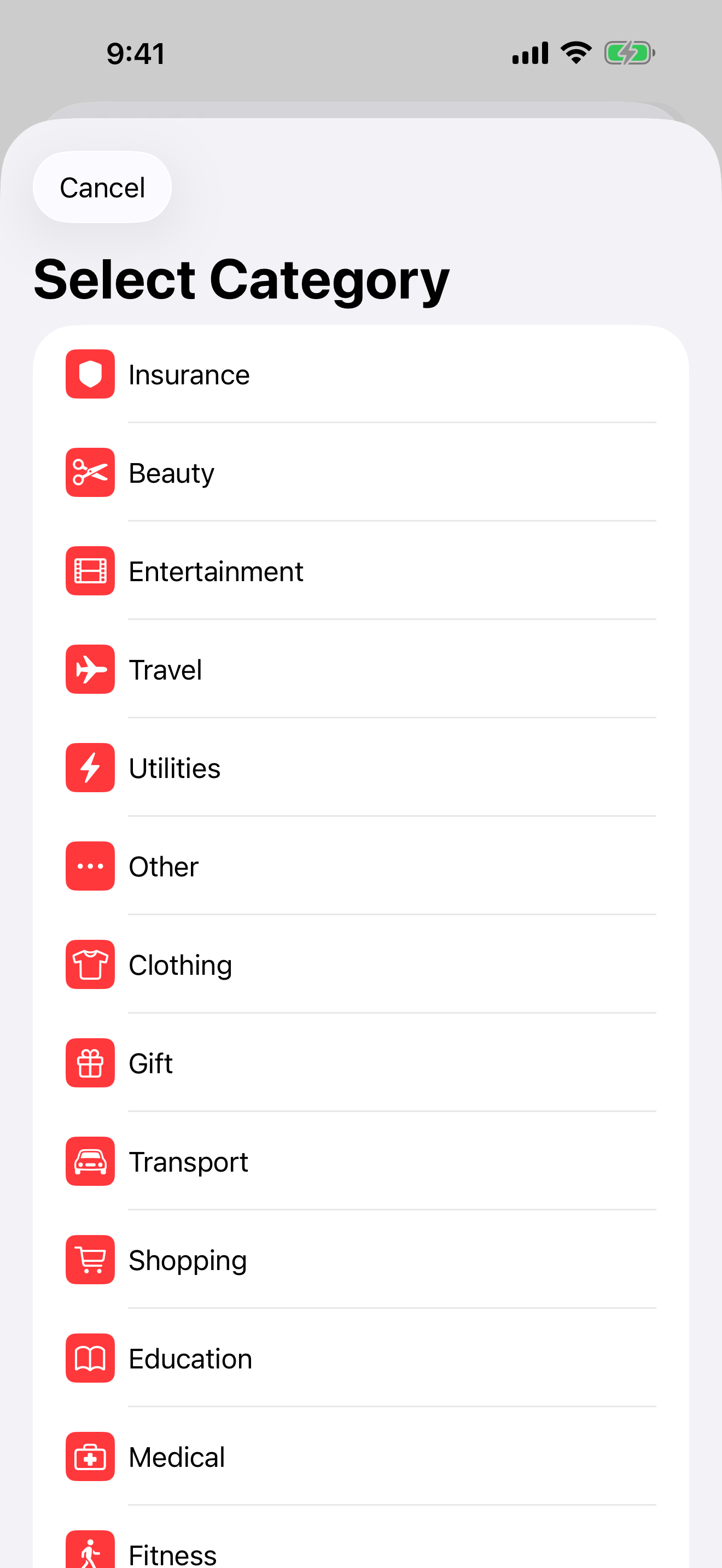
Record spending and income fast, organized by everyday categories.
Bills & reminders
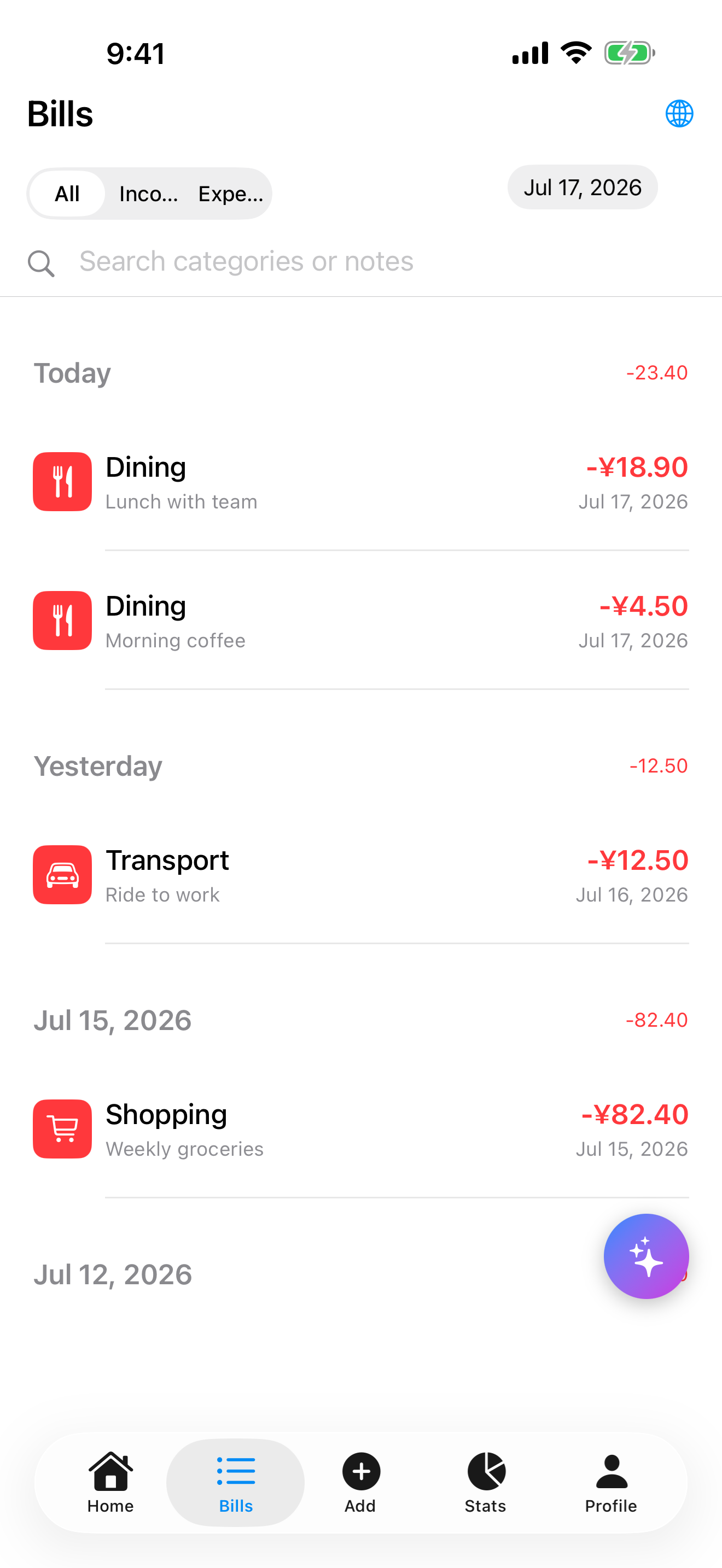
Keep upcoming payments and recurring bills easy to review at a glance.
Statistics & trends
Pie, bar, and trend charts show exactly where your money goes over time.
AI financial analysis
Turn your transactions into plain-language insights and actionable advice.
Budget awareness
See how much of your monthly budget is used at a single glance.
EN / 中文 bilingual
A complete English and Chinese interface for every user.
Made for your money life
Different lives, same need — knowing where the money goes.
Students
Stretch a monthly allowance with the budget ring — see what's left before the weekend, not after.
BudgetYoung professionals
Rent, subscriptions, salary day — keep every bill in one list you can check in an elevator ride.
BillsHouseholds
Category charts show where the family money actually goes — groceries, utilities, and the rest.
StatisticsFreelancers
Uneven income months? AI analysis reads your real savings rate across the ups and downs.
AI analysisA look inside
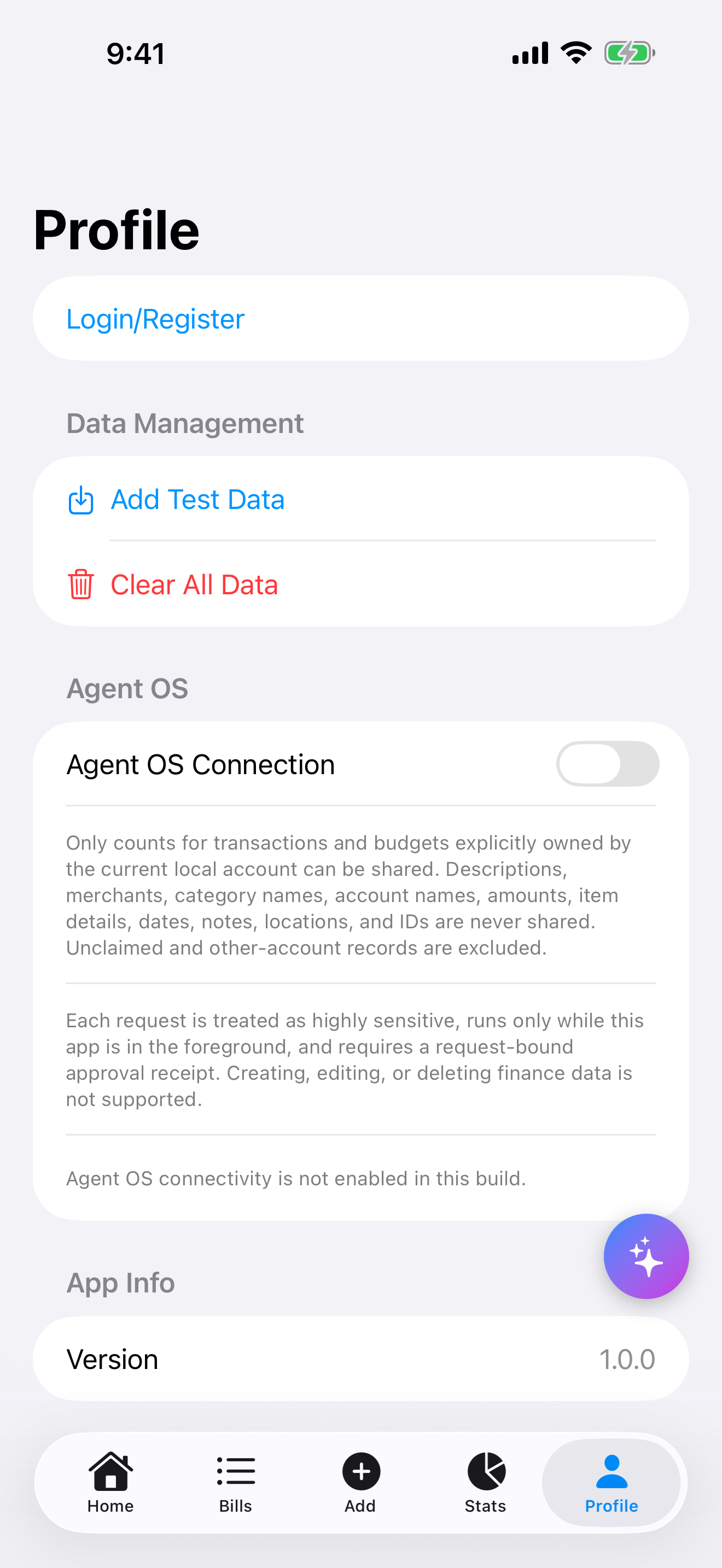
Swipe through — tap any shot to zoom in.
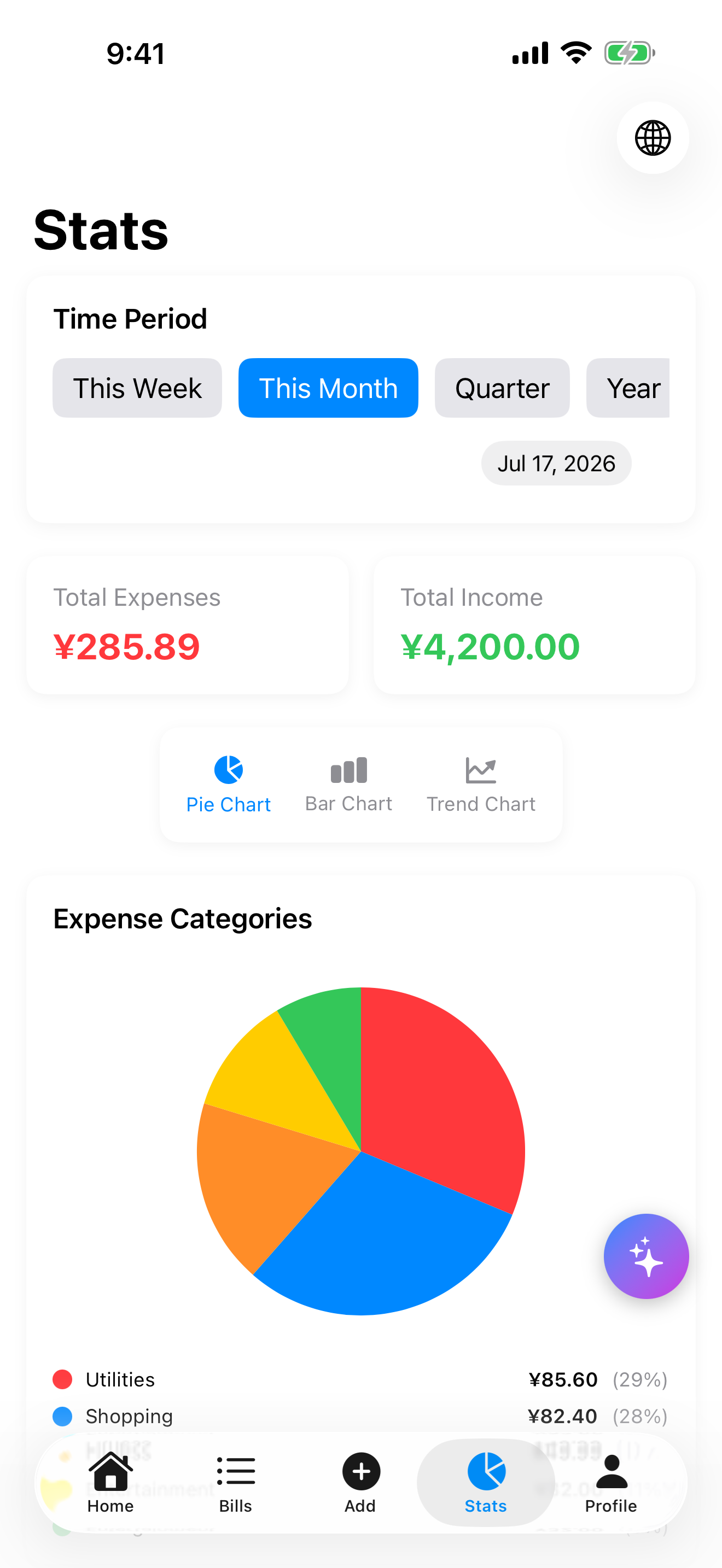
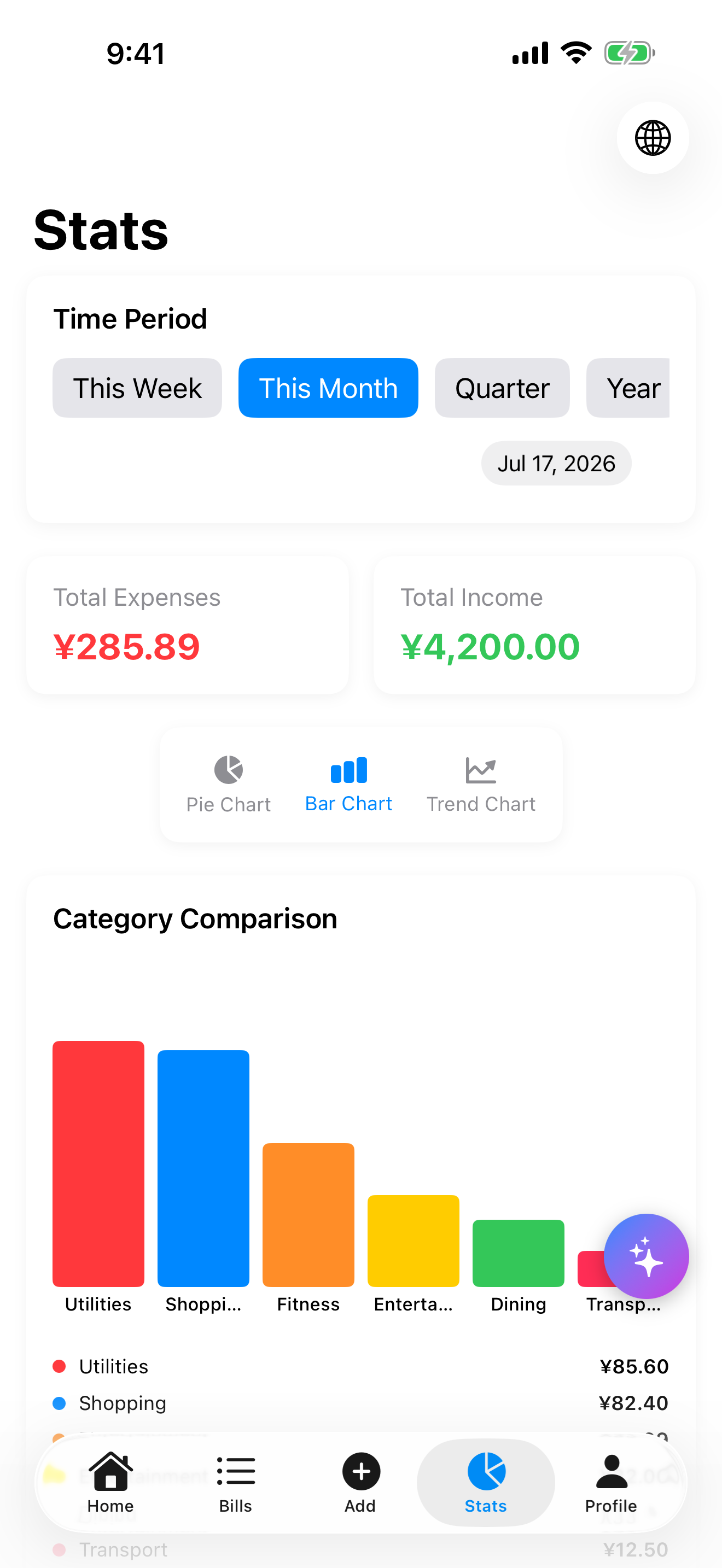
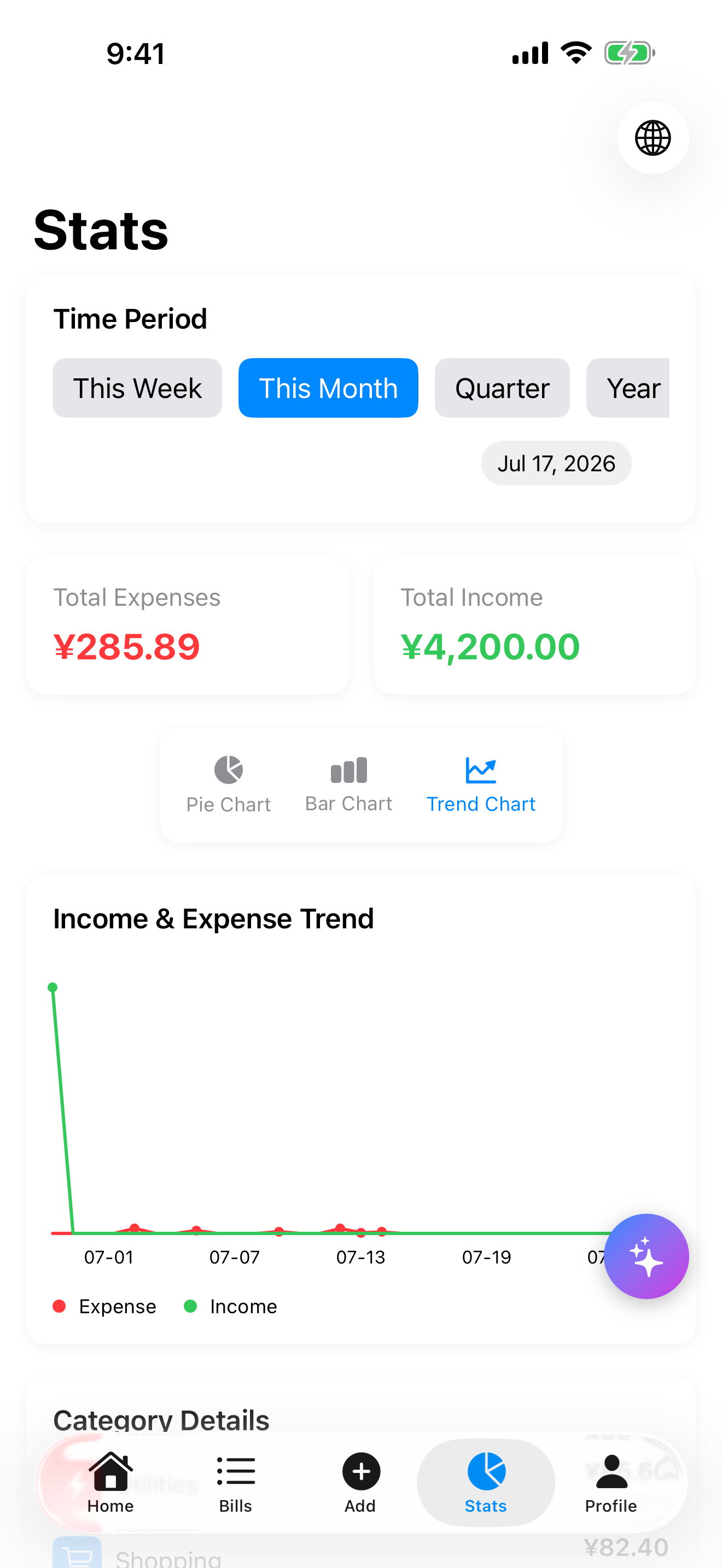
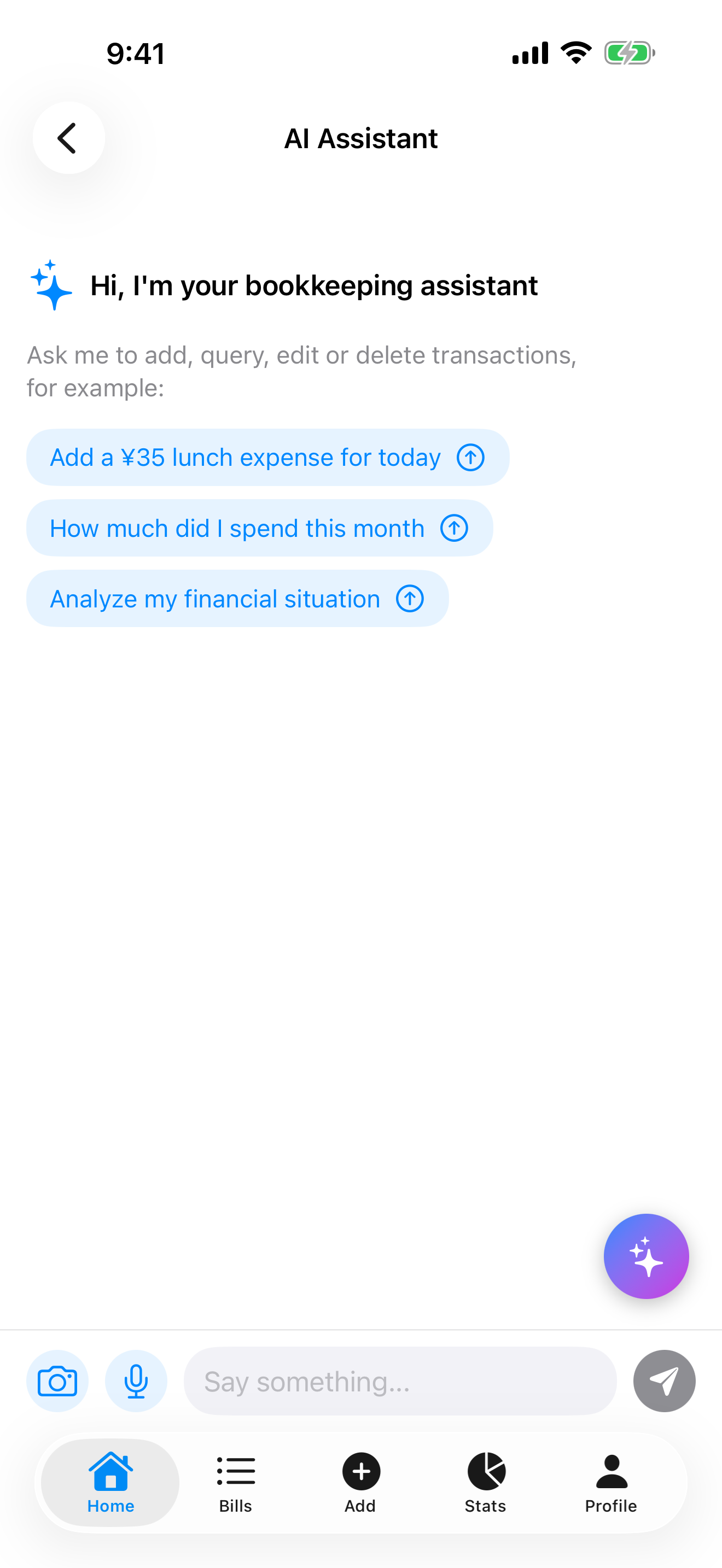
How three taps become financial insight
Under the simple surface there's a pipeline that turns raw entries into advice you can act on.
Entry
Amount, category, note — a couple of taps and it's recorded.
Auto-categorized
Every entry lands in a clean, browsable category history.
Charts & budget
Pie, bar and trend charts plus your budget ring update instantly.
AI plain-language analysis
AI reads the numbers and answers the real question: where did the money go?
“You saved 23% of income this month — mostly from lower dining spend.”
Built to make money clearer
Piggy Accounting focuses on fast entry, readable summaries, and AI insight — so keeping track of money feels effortless, not like a chore.
- Fast, frictionless entry
- Patterns made visible
- AI-assisted insight
- No ads, no clutter
Why not just a spreadsheet?
An honest look at the tools people actually use for money.
| Scenario | Piggy Accounting | Spreadsheet | Mental math |
|---|---|---|---|
| Logging one expense | A couple of taps | Open laptop, find the row | Forgotten by dinner |
| Spotting category patterns | Automatic charts | Manual formulas | — |
| Monthly budget check | Live budget ring | Update it yourself | A rough guess |
| Plain-language advice | AI analysis built in | — | — |
| EN / 中文 interface | Both, switch anytime | — | — |
Qualitative comparison based on typical day-to-day use.
Frequently asked questions
How much does Piggy Accounting cost?
Piggy Accounting is free to download on the App Store.
What can I track in the app?
Record expenses and income by category, manage bills, set a monthly budget, and review clear statistics.
How does the AI financial analysis work?
The app turns your recorded transactions into a plain-language analysis of income, savings, and spending, along with practical advice.
Does it support both English and Chinese?
Yes. Piggy Accounting has a complete English and Chinese interface — switch anytime in the app.
Which devices are supported?
Piggy Accounting is a native iOS app available for iPhone on the App Store.
Why not just use a spreadsheet?
Spreadsheets work, but they live on your laptop. Piggy Accounting is in your pocket: logging takes a couple of taps, charts build themselves, and AI analysis explains the numbers in plain language.
Start tracking your money today
Download Piggy Accounting free on the App Store.
Available on iPhone · English & 中文