Turn any voice into organized notes.
Record a conversation, import an audio file, or paste a YouTube link — AI Voice Notes transcribes it and keeps every word searchable.
- 🎙️ Record or import
- ▶ YouTube → text
- 🌏 EN / 中文
Kickoff call — align on Q3 goals and owners.
Ship the beta by the 20th; Wei owns QA.
Follow up on pricing after the review.
From voice to note in three steps
Capture the audio — the app handles the words.
Capture
Record live, import an existing audio file, or paste a YouTube link — whatever you need to keep.
Transcribe
Convert speech to text with Apple's on-device recognition, or switch to AI transcription for more flexibility.
Organize
Save a clean, searchable note you can review, edit, and reuse for meetings, study, and ideas.
Every word, findable
Type anything — watch the transcript light up.
Matches appear here as you type
Simulated preview — in the app, this is your own audio.
Everything for capturing spoken info
Purpose-built for the real job: get audio, get text, keep it useful.
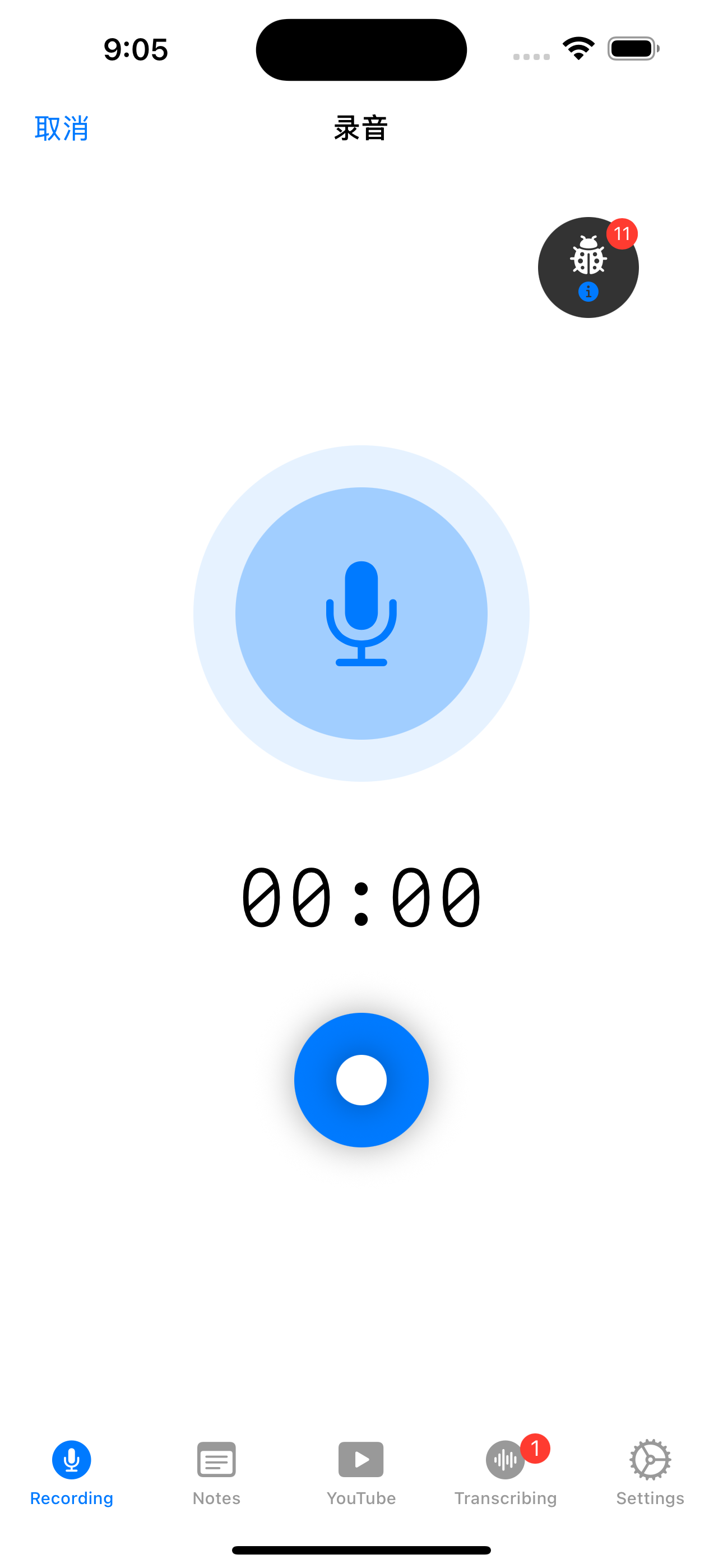
One-tap recording
A clean recorder with a live timer captures conversations and ideas the moment they happen.
Two transcription engines
Pick Apple's on-device speech recognition for privacy, or AI transcription when you want more flexibility.
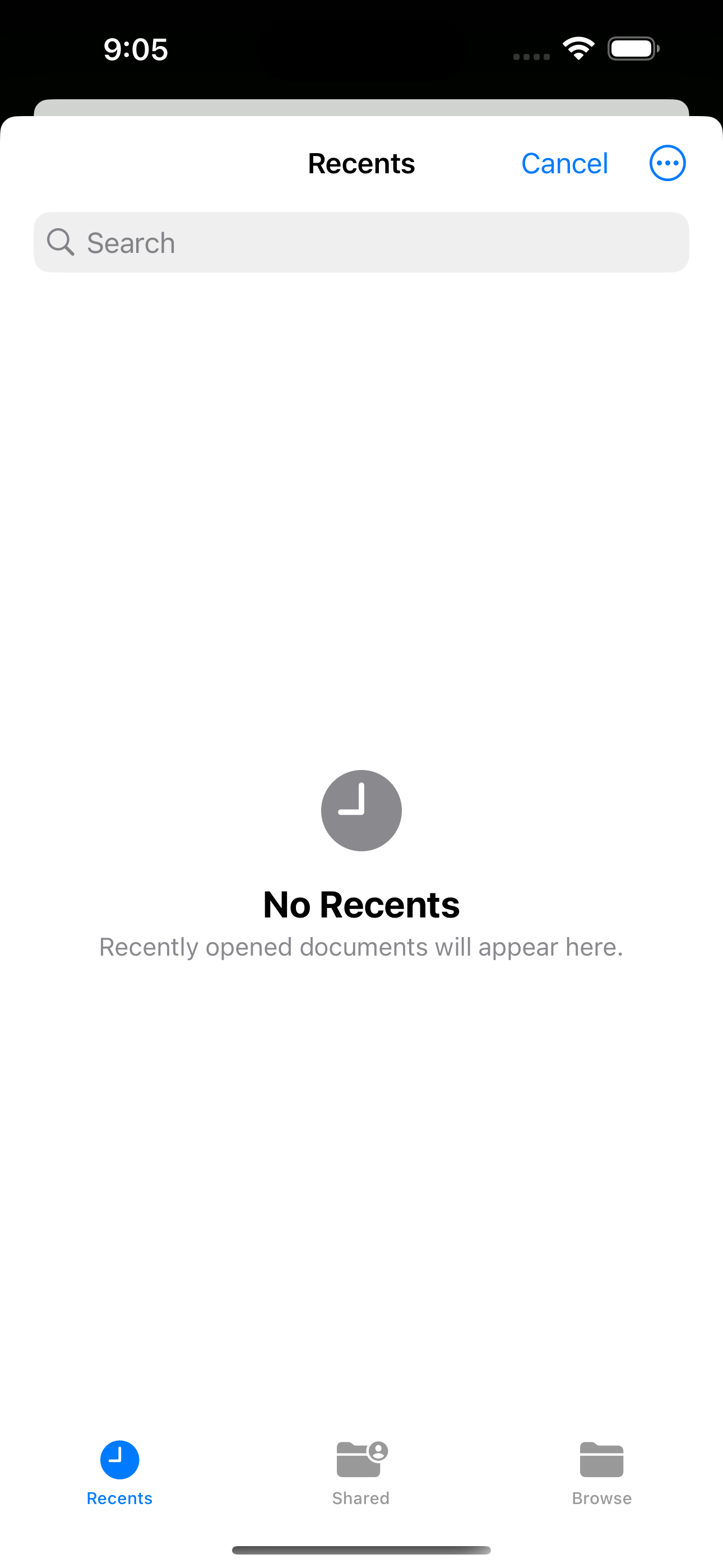
Import any audio
Bring existing recordings in from the Files app and turn them into readable notes for later review.
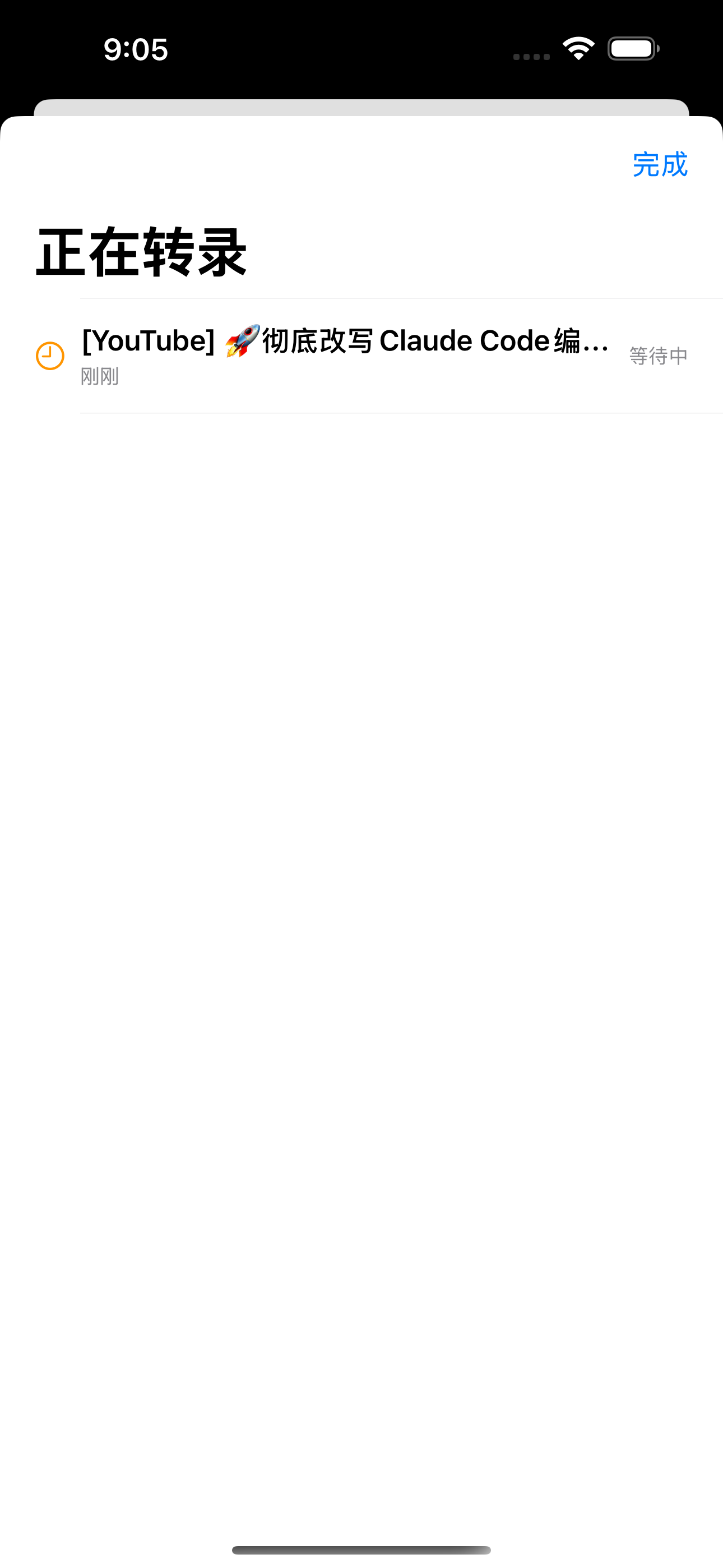
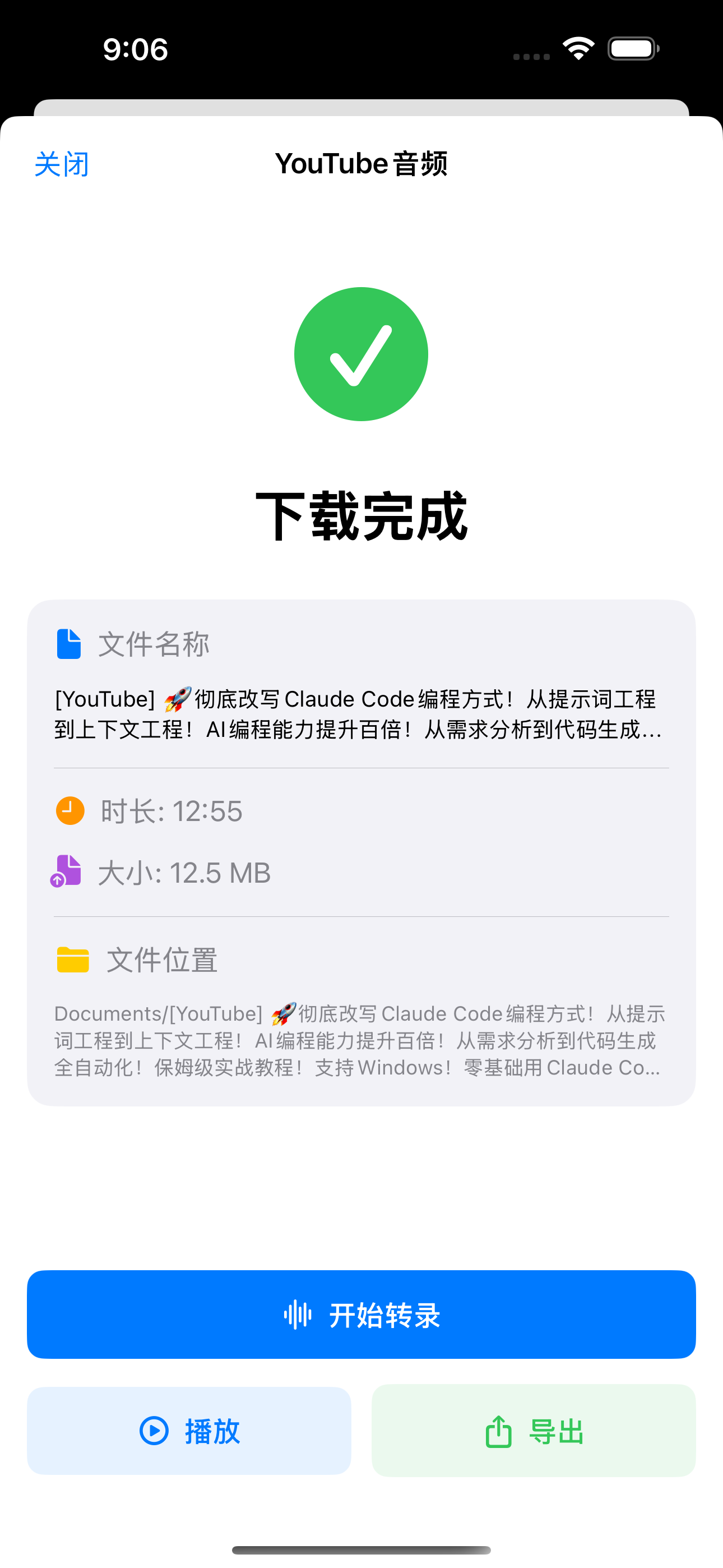
YouTube to text
Paste a YouTube link — the app downloads the audio and transcribes it into a full, searchable note.
Searchable notes
Transcripts, summaries, and imports stay organized so voice capture becomes reusable knowledge.
Privacy you control
Choose on-device transcription for sensitive moments so your audio never has to leave the phone.
See it in the app
Swipe through — tap any shot to zoom in.
Made for moments like these
Four everyday jobs where searchable speech wins.
Students
Record the lecture, search "midterm" later.
Meeting-heavy PMs
Kickoffs become action items you can grep.
Interviewers & podcasters
Import the session, quote it verbatim.
YouTube learners
Paste a talk, read it in five minutes.
Why not just hit record?
Recording is easy. Finding the words again is the hard part.
| Capability | Plain voice memos | Typing it up yourself | AI Voice Notes |
|---|---|---|---|
| Searchable text | — | ✓ | ✓ |
| YouTube link → note | — | — | ✓ |
| Import old recordings → text | — | ✓ | ✓ |
| On-device privacy option | ✓ | ✓ | ✓ |
| Summary with the transcript | — | — | ✓ |
| Bilingual UI (EN / 中文) | — | — | ✓ |
Two engines, two paths
Every note starts as sound. You decide where the words get made.
Apple on-device
Audio never leaves your iPhone.
Best for sensitive conversations.
AI transcription
Opt-in, more flexibility.
Switch it on only when you want it.
Your voice, your choice
Keep privacy-sensitive audio on-device with Apple speech recognition, or opt into AI transcription when you want it. The tradeoff is always yours to make.
- On-device option
- You pick the engine
- No ads, no tracking
- Everything searchable
Frequently asked questions
How does AI Voice Notes turn speech into notes?
Capture audio by recording live, importing a file, or pasting a YouTube link. The app then transcribes it with Apple's on-device recognition or AI transcription and saves a clean, searchable note.
Can it transcribe a YouTube video?
Yes. Paste a YouTube link and the app downloads the audio, then queues it for transcription so you get the full text as a note.
Is my audio private?
You choose the engine. Apple on-device speech recognition keeps privacy-sensitive audio on your iPhone, while AI transcription is available when you opt into it.
Can I import audio I already recorded?
Yes. Import existing audio from the Files app and convert it into a readable, searchable transcript.
What languages does it support and how much does it cost?
The interface supports English and Simplified Chinese, and the app is free to download on the App Store.
Start capturing every word
Record, import, or paste a link — AI Voice Notes does the rest.
Free on the App Store · iPhone